
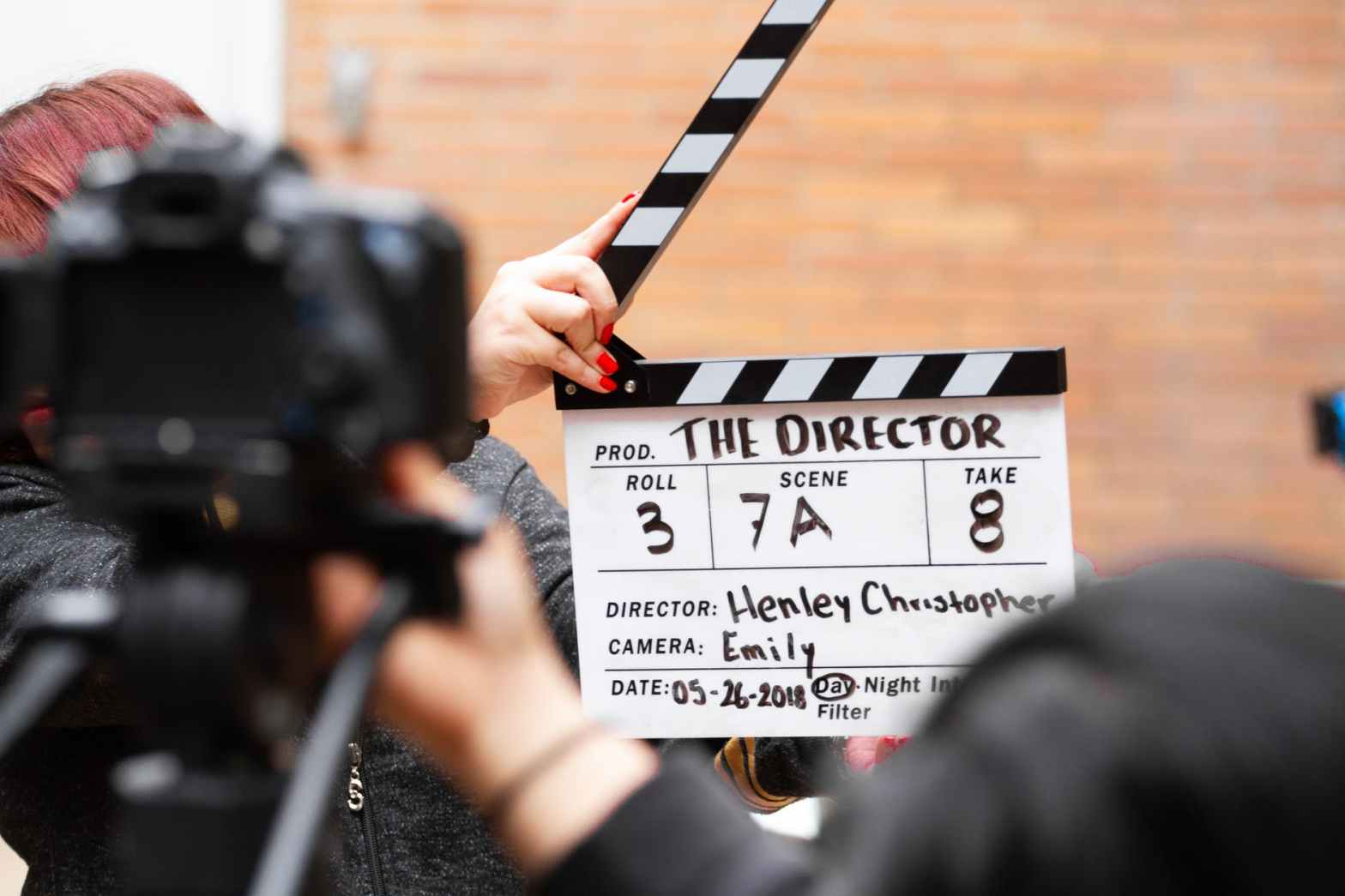
With video editing you can easily create beautiful videos for different purposes. It is possible with your computer, tablet or a mobile phone, as long as you have right tools for it. There are different applications you can use, such as Adobe, iMovie, or PowerPoint, which one will be focused more on this post. Previously I have used iMovie and Lumafusion for video editing.
First you need to make sure you have the needed material for your topic and your video. You can use photos, video clips and audio to create a masterpiece. Creating a video with PowerPoint is very simple – just make a presentation and save it as a video when it’s ready. These are the basic steps taken to make it.
- Add content on different slides, eg. photos and videos
- Add text for example to tell the story
- Add theme and make the presentation look visually nice (PowerPoint themes can be boring, so using Design Ideas can be a great idea)
- Add audio on the background to bring more feeling to the video (need to be saved on your computer first)
- Add transitions and automations to make the different changes in the video smooth
- Use timings in order to make the presentation flow forward without clicks, also make sure the videos are automatically played
When your presentation is ready, and you have proofchecked everything works, you have to save it as a video. This is the pattern you need to take: file -> export -> file format: MP4 or MOV. The presentation is loaded to the choosed file. You can still save the presentation as it is.
As a video editing tool PowerPoint wouldn’t be the first one in my mind. But as a lot of people are more familiar with it than maybe some other video editing tools, it could be a good one to make videos now and then if needed. But for more professional videos I would make some effort, and use other editing tools, since for instance the transitions between the videos are not very smooth in PowerPoint, and the overall quality and outcome of the video have some enhancing to do.
Below you can find a video about Budapest that I made with PowerPoint for the sake of practising.
 Reetta's ICT Blog